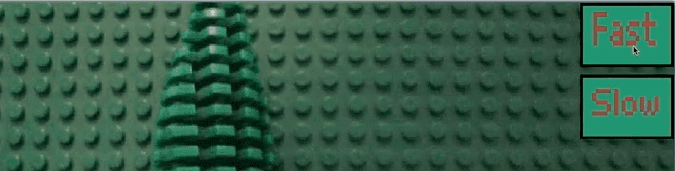
Level-3: Creating a lego movie
1-2 hours for kids with basic scratch experience
Create your own Lego movie animation! Learn how to use costumes and loops to make characters come alive, frame by frame.

Video Tutorial
Watch the Level-3: Creating a lego movie tutorial video for a demonstration of this Scratch project.
Watch the video tutorialStep-by-Step Instructions
1. Setup the main sprite
Let's pick a sprite for our movie character. You can choose a ball or any character you want to animate.
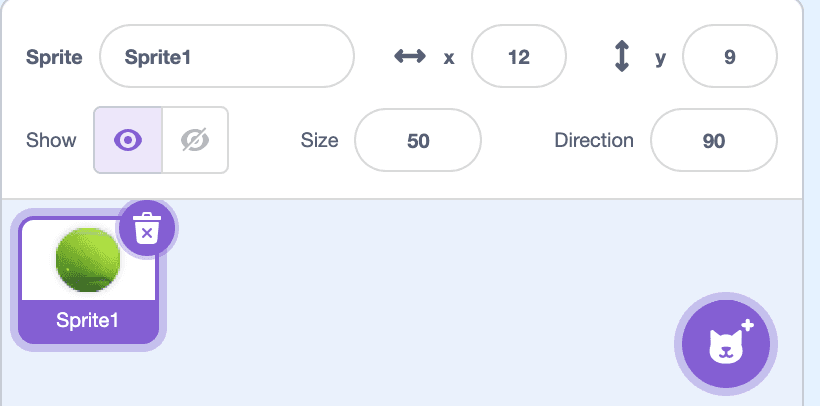
2. Setup the main costumes for the movie
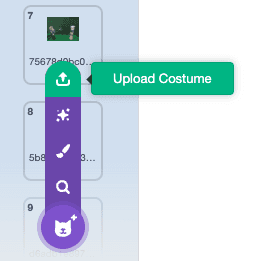
We will upload all the frames in the movie. Download the costumes zip file from the link above. Extract all the images in a folder. Then upload all the images to your sprite's Costumes tab.
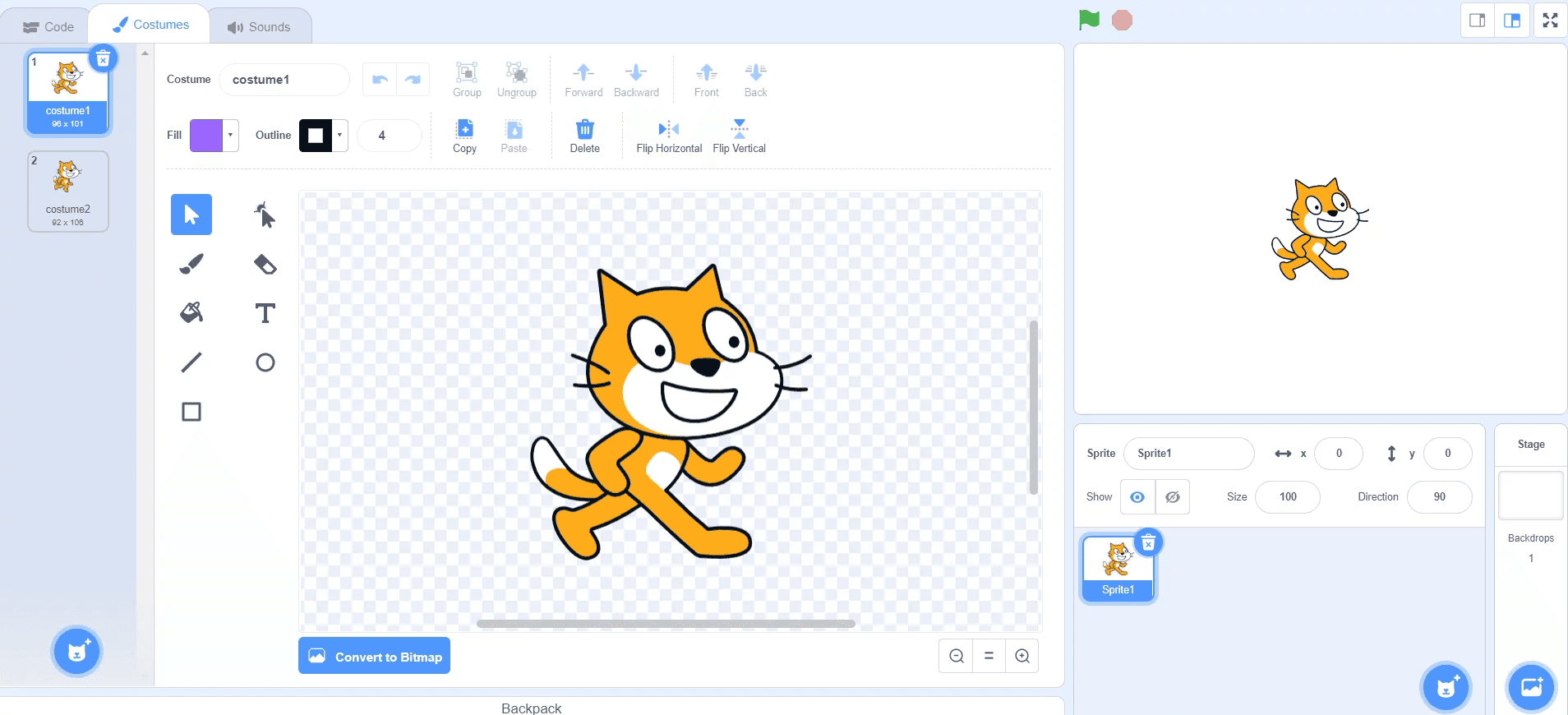
3. Add code to change the costume in a loop
A movie is nothing but a sequence of frames changing at a regular time interval. Create a loop that changes the costume every 0.15 seconds to create the animation effect.
4. Add 'fast' and 'slow' mode buttons
Create buttons to control the speed. Use broadcast messages like 'fast' and 'slow' to change the wait time between costume changes.