Level-2: Draw a pattern using loops
2-3 hours for kids with basic scratch experience
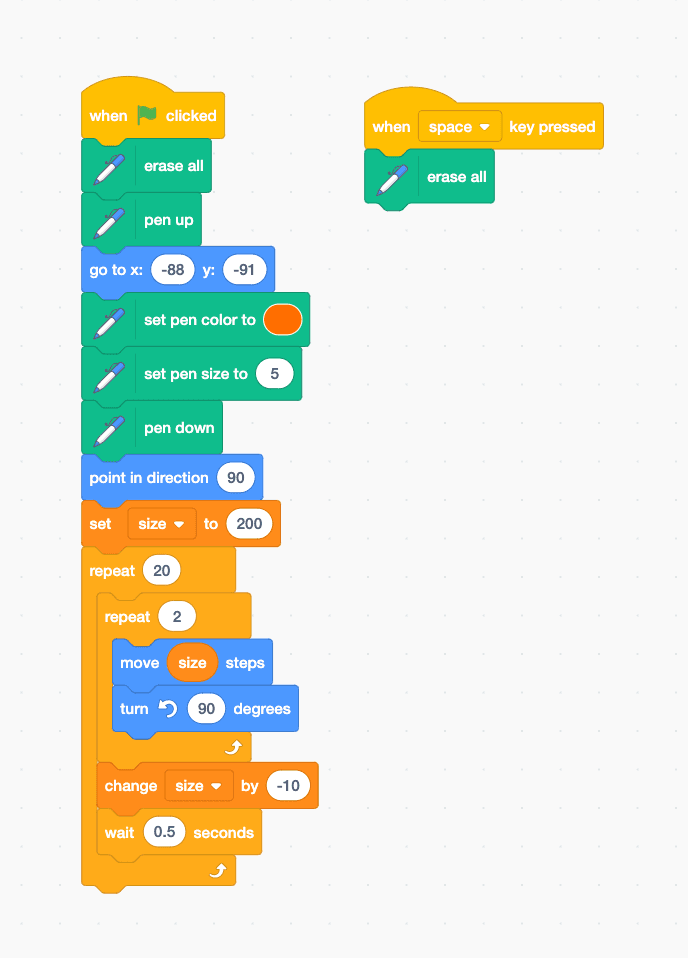
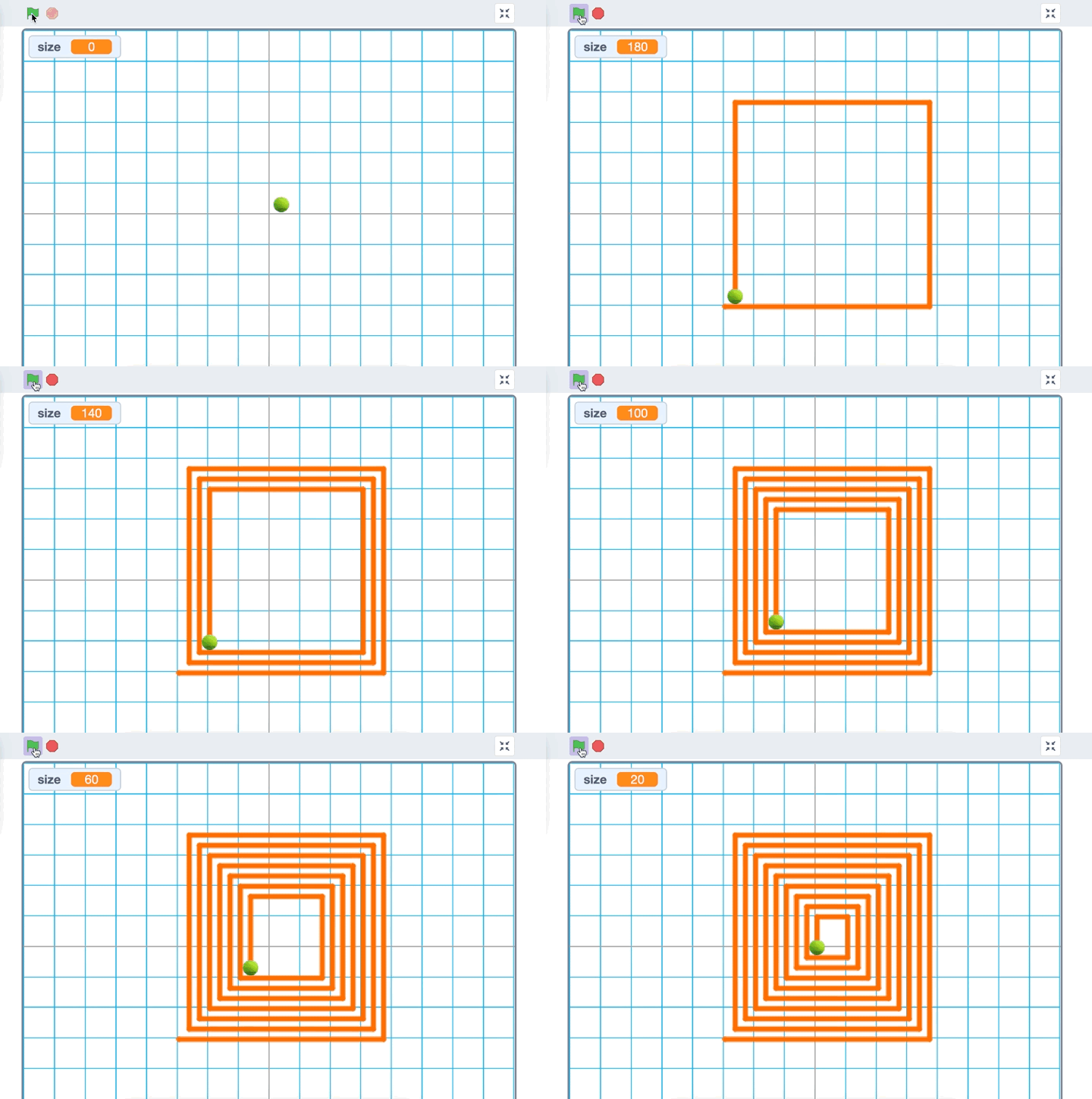
In this project, we'll create a cool pattern using loops! Our sprite will draw a pattern that looks like a bunch of squares that get smaller and smaller, creating a spiral-like effect. By the end, you'll understand how to use loops, pen blocks, and basic movement in Scratch.
Video Tutorial
Watch the Level-2: Draw a pattern using loops tutorial video for a demonstration of this Scratch project.
Watch the video tutorialStep-by-Step Instructions
1. Setting Up Your Canvas 🎨
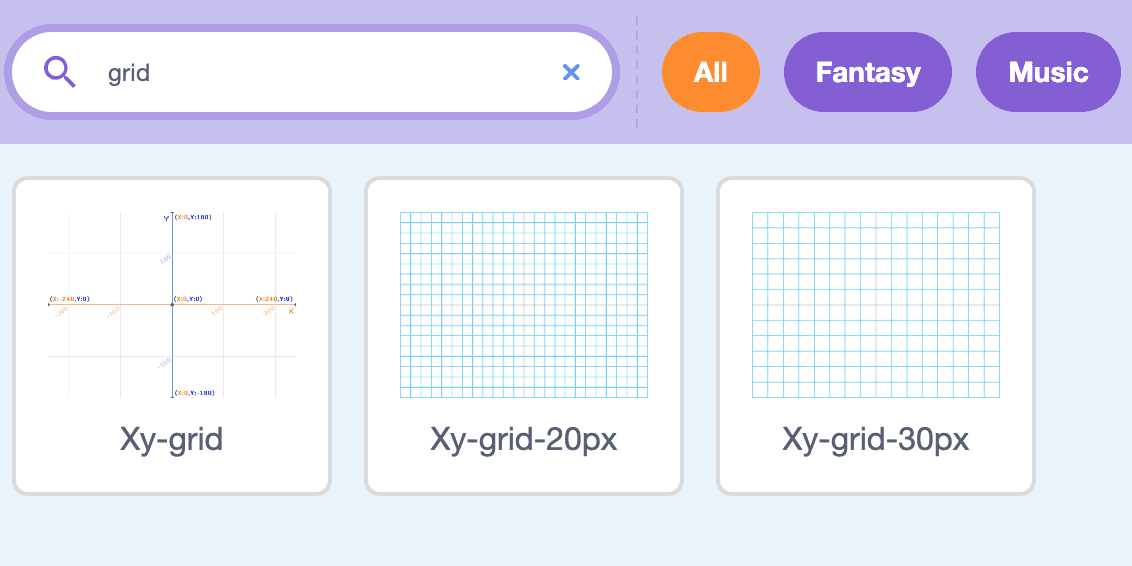
Open Scratch and create a new project. Find the perfect backdrop: Click the 'Choose a Backdrop' button (bottom right), type 'grid' in the search box, and select 'Xy-grid-30px' - this will help us see our pattern clearly!
2. Choose Your Artist 🎾
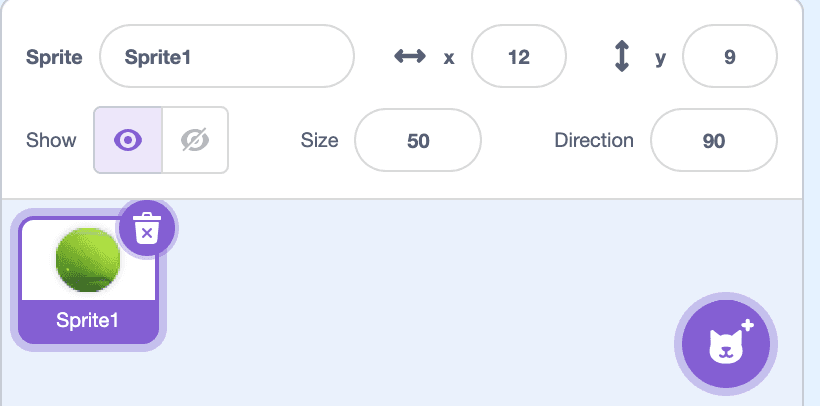
Let's get rid of the cat and pick a ball instead. Click the 'Choose a Sprite' button, search for 'ball' and select the tennis ball. Make your ball the right size: Find the size setting in the sprite info section, change it to 50, and drag your ball to the center of the stage.
3. Get Your Drawing Tools Ready 🖌️
Add the Pen extension: Click 'Add Extension' at the bottom left, find and click on 'Pen'. Look at all the new blue blocks that appeared - these are your drawing tools!

4. Create the Pattern Code 🎯
Create a loop that draws squares. Start with a large size (200), draw 4 sides (turning 90 degrees), then decrease the size variable by 10. Repeat this process 20 times to create the spiral pattern.