Level 8: Bouncing Animation
3-4 hours for kids with basic scratch experience
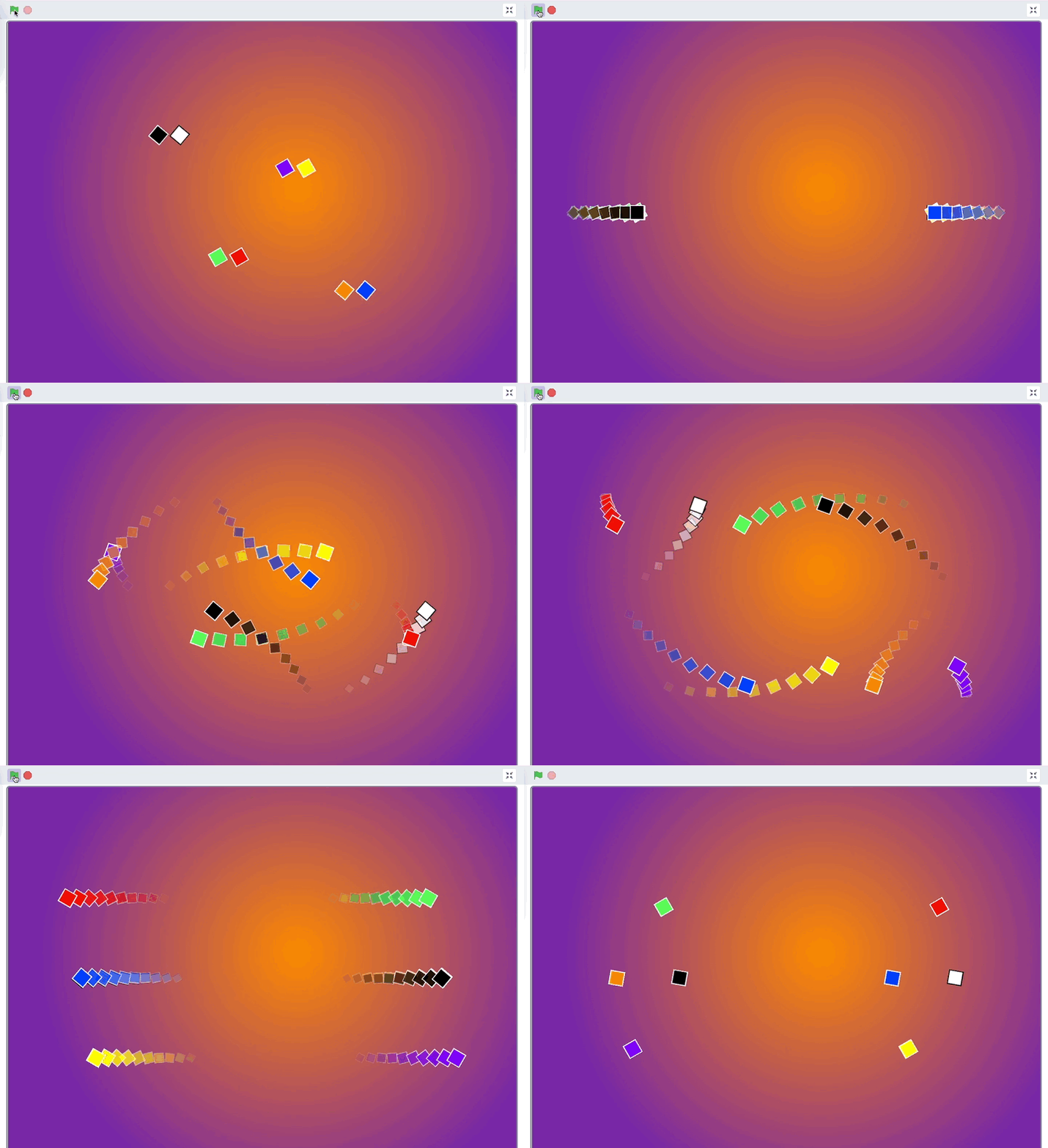
Create a smooth bouncing animation that simulates real physics. This project focuses on understanding motion, elasticity, and energy.
Video Tutorial
Watch the Level 8: Bouncing Animation tutorial video for a demonstration of this Scratch project.
Watch the video tutorialStep-by-Step Instructions
1. Gravity Logic
Similar to Level 4, set up a gravity variable that constantly pulls your object downwards.
2. Squashing Effect
To make it look realistic, add a costume change when the ball hits the ground to make it look like it's squashing!
3. Multiple Objects
Duplicate your code to have multiple bouncing objects with different properties (bounciness, weight).