Level-7: Creating a 3D Tessellation Pattern
3-4 hours for kids with basic scratch experience
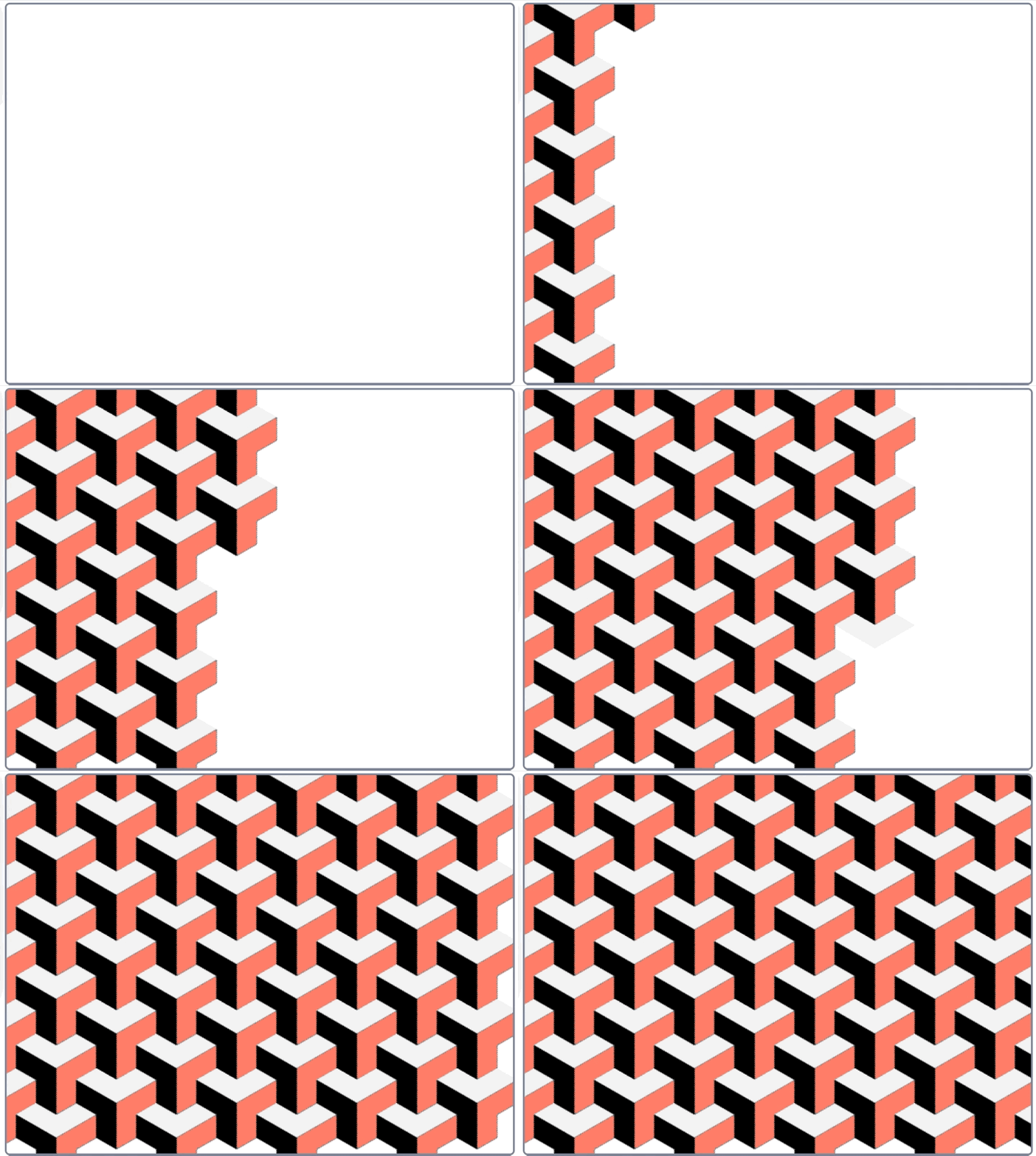
Create an eye-catching 3D pattern using connected shapes! You'll learn how to use geometric shapes, drawing tools, and repetition to create stunning 3D effects.
Video Tutorial
Watch the Level-7: Creating a 3D Tessellation Pattern tutorial video for a demonstration of this Scratch project.
Watch the video tutorialStep-by-Step Instructions
1. Understanding Shapes
We will use a rhombus (diamond) shape. By arranging three of these together with different shades, we can create the illusion of a 3D cube.
2. The Pen Tool
Use the Stamp tool from the Pen extension to place your shapes on the canvas without creating clones.
3. Tessellation Loop
Create nested loops to repeat this cube pattern across the entire screen, fitting them together like a puzzle.